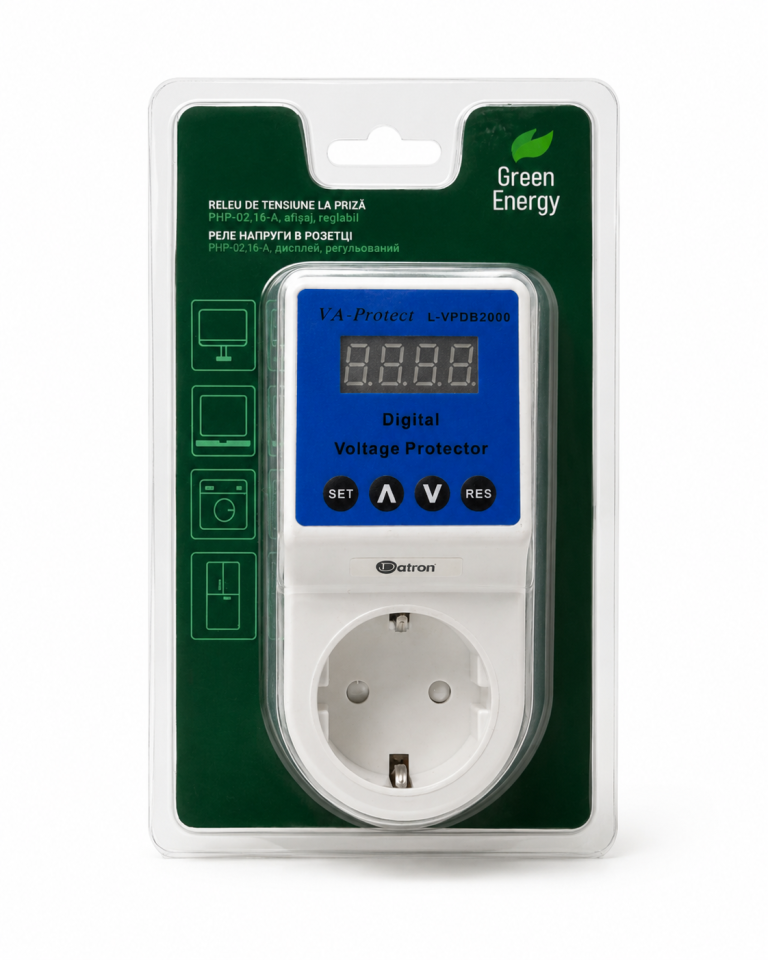
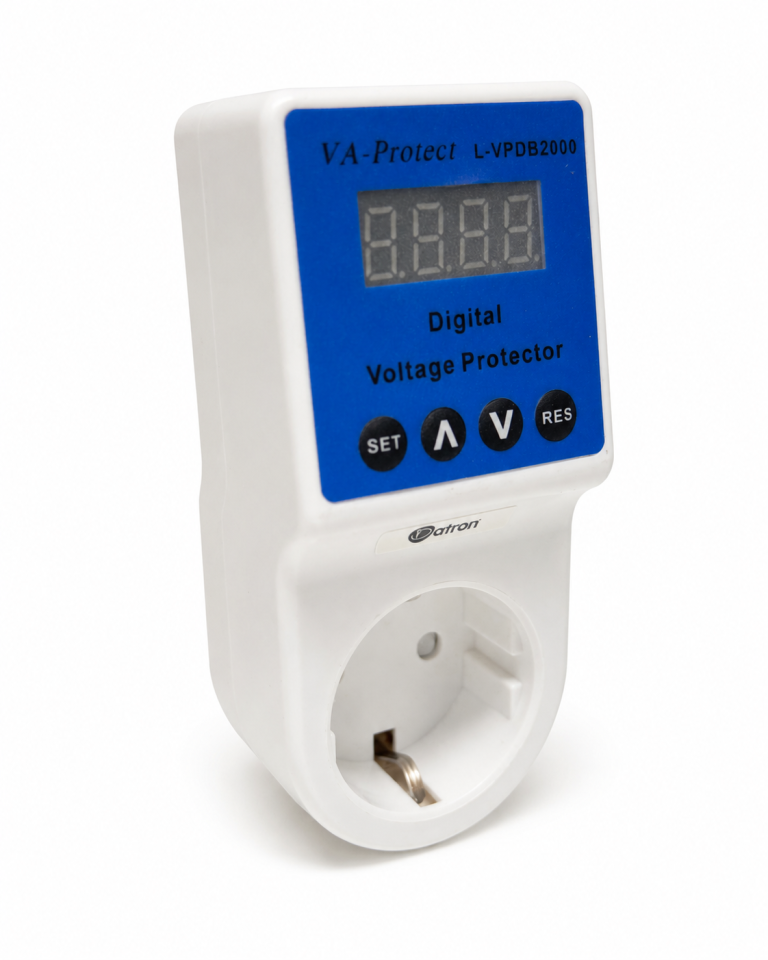
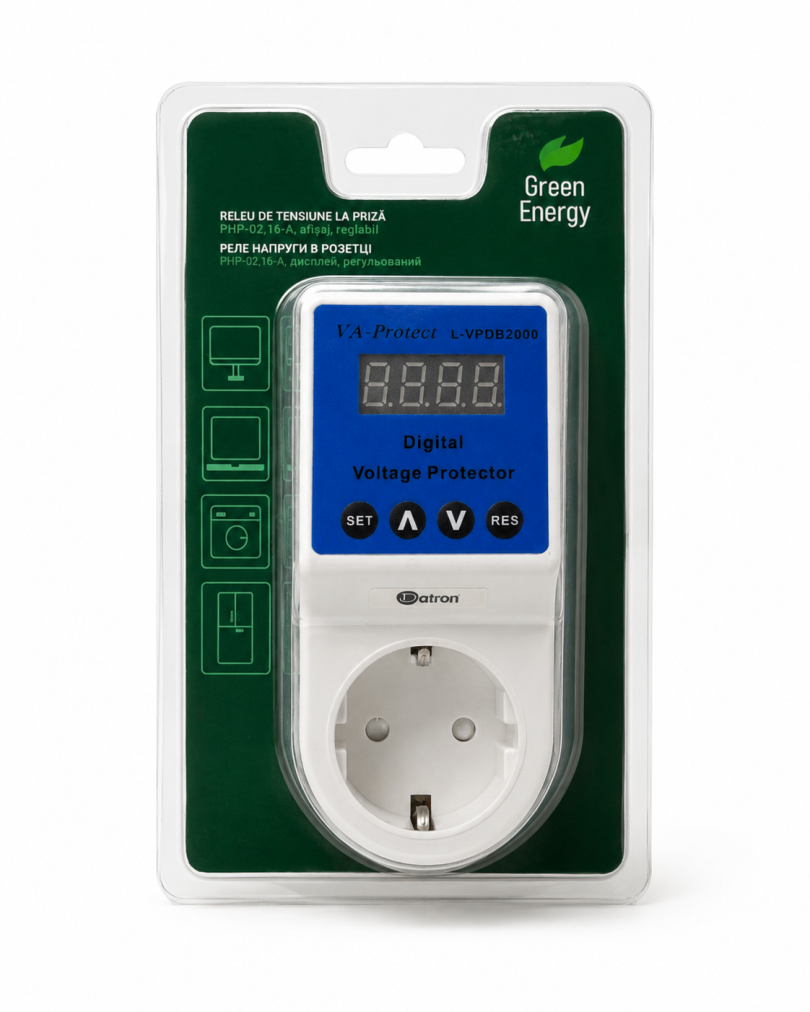
Power Adapter with Multifunction Protection
Device function
The power adapter protects connected appliances from overvoltage, undervoltage and power supply faults, intervening automatically according to the set thresholds.
Start-up
After being connected to the mains, the device waits approximately 10 seconds before activating.
The display then lights up and shows the current mains voltage value.
Setting the parameters
To access the settings, press and hold the SET button for a few seconds.
The display shows the main configuration parameters:
- H255 – maximum voltage threshold. Indicates the upper limit set for overvoltage protection.
- L170 – minimum voltage threshold. Indicates the lower limit set for undervoltage protection.
- U – shows the current mains voltage value.
Changing the voltage thresholds
Press the SET button to select the parameter to change, for example H for the maximum threshold or L for the minimum threshold.
Use the V button to change the selected voltage value.
Viewing the set values
Press the RES to view the values currently set in the device.
Restart delay
The parameter d10 indicates a waiting time of 10 seconds before the power supply is restored.
The delay value can be changed to suit your needs.



 No products in the cart.